Codec Preview
Overview
Lossy audio formats use psychoacoustic algorithms to identify and remove less audible portions of an audio file in order to reduce the overall file size. This process can introduce artifacts ranging from subtle to obvious artifacts in the compressed file. Codec Preview allows you audition lossy compression formats and compensate for any undesirable artifacts they introduce before exporting your master.
Working with Codec Preview
You can access the Codec Preview panel by clicking on the Codec button in the I/O panel in the Ozone mothership plug-in.
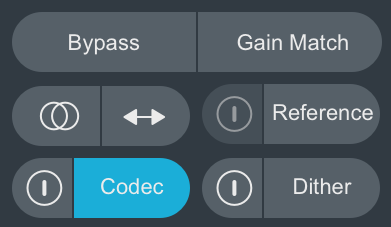 |
You can enable or disable Codec Preview by clicking on the power button to the left of the Codec button in the I/O panel.
Tip
When working with Codec Preview within a DAW or NLE, you should insert Ozone after all other inserts on the master bus to ensure you are monitoring Codec Preview on the signal that is closest to the uncompressed export.
Controls
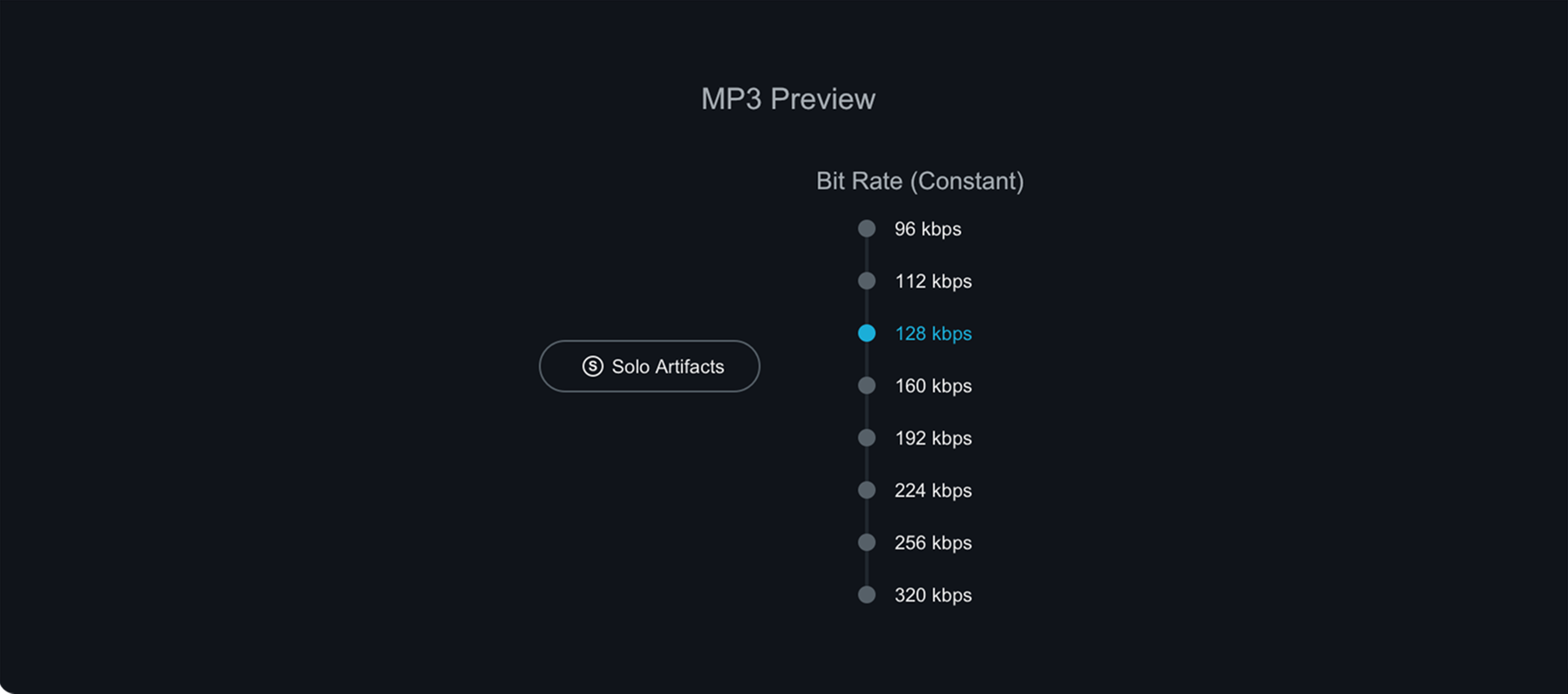
The Codec Preview panel allows you to adjust codec properties (format and bit rate) and listen to the artifacts introduced by the selected codec in isolation.
 |
Bit Rate (Constant)
Sets the constant bit rate value used to preview the selected codec format. Bit rate is measured in units of kbps (or kbit/s, kilobits per second) and represents the number of bits processed (encoded) within a given period of time. Constant bit rate (CBR) encoding indicates that the bit rate is the same for the entire duration of the file. You can choose from the following constant bit rate values:
96 kbps
112 kbps
128 kbps
160 kbps
192 kbps
224 kbps
256 kbps: Maximum supported bit rate value for previewing mono files.
320 kbps
Solo Artifacts
Isolates playback of the signal content that is removed or modified by the currently selected lossy compression settings. This signal is the difference between the output of Ozone before and after Codec Preview is applied.