Authorization
Product Portal
To get started with RX 10 download Product Portal. Follow the directions on Product Portal’s web page to register new products, download, install and authorize existing products, as well as access trials/demos and expansion content.
Authorizing RX
The first time you open the RX 10 Audio Editor or an RX plug-in, the Authorization window will appear.
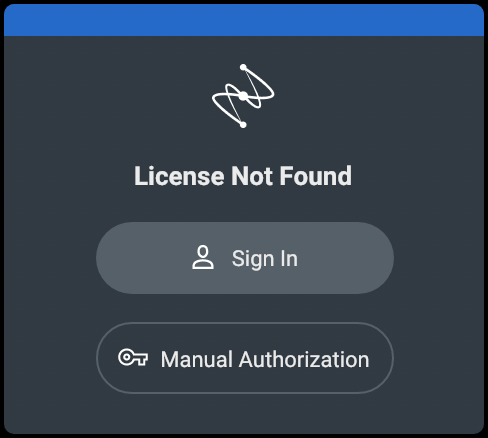
Selecting Sign In will open the Product Portal if this application is installed on your computer. If Product Portal is not installed you will be brought to the web page to download Product Portal.
Selecting Manual Authorization will prompt the manual Authorization window:
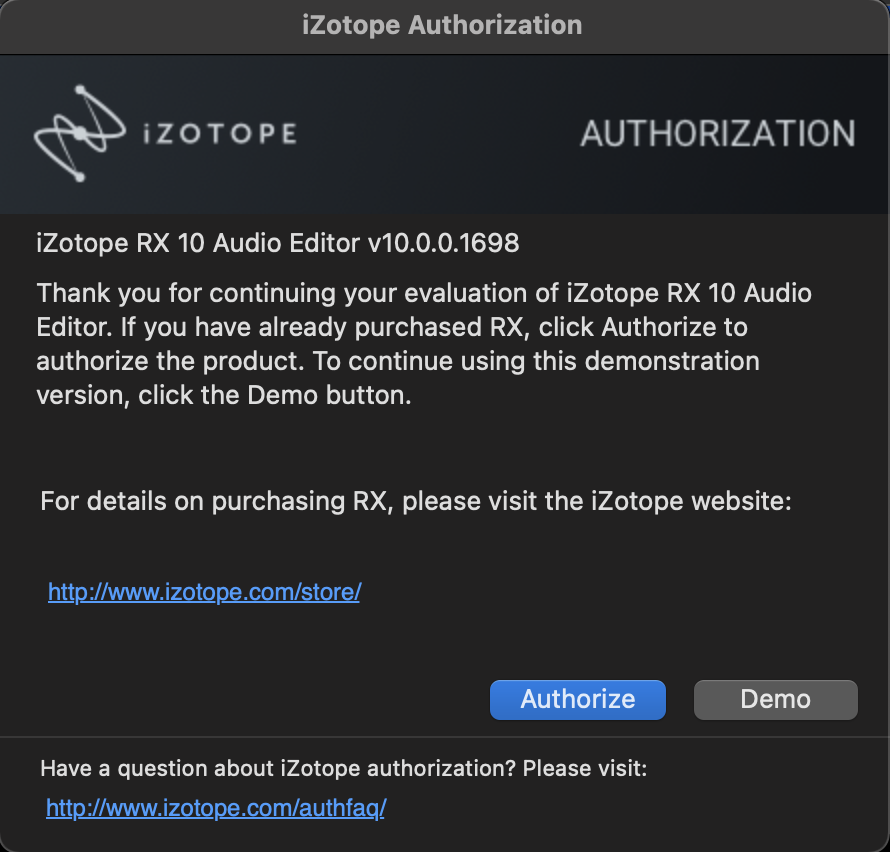
The Authorization window allows you to:
- TRIAL: Select the Continue in Trial option to continue a Trial period evaluation prior to purchasing.
- DEMO: Continue evaluating the product with Demo limitations (after the 10 day Trial period ends).
- AUTHORIZE: Authorize the product with a serial number.
Trial Mode
Trial mode allows you to evaluate RX 10 over a 10 day trial period. The trial period begins when you first open the RX 10 Audio Editor or an RX plug-in in a DAW/NLE. The Authorization window will display the number of days remaining in your trial period. Click the Continue button to exit the Authorization window.
Demo Mode
After your 10 day trial period expires, you have the option to operate RX 10 in Demo mode. To continue evaluating RX 10 in demo mode, click the Demo button.
Demo Mode Limitations
All controls and user interaction will be disabled in the RX 10 audio editor and plug-ins while in Demo mode. However, playback and automation will remain intact so your existing sessions are not negatively affected.
Authorization Methods
To disable Trial or Demo mode, you must authorize the product with a valid serial number. We offer three authorization methods for RX 10:
- Online Authorization: Authorize RX 10 on a computer online.
- Offline Authorization: Authorize RX 10 on a computer offline.
- iLok Authorization: Authorize RX 10 using iLok.
More Authorization Help
For information about Authorization, please visit the iZotope website.
For additional help authorizing RX 10, visit iZotope Customer Care information on the iZotope website or contact our Customer Care department by sending an email to: support@izotope.com